The Complete Guide to Server-Side Tracking (2026)
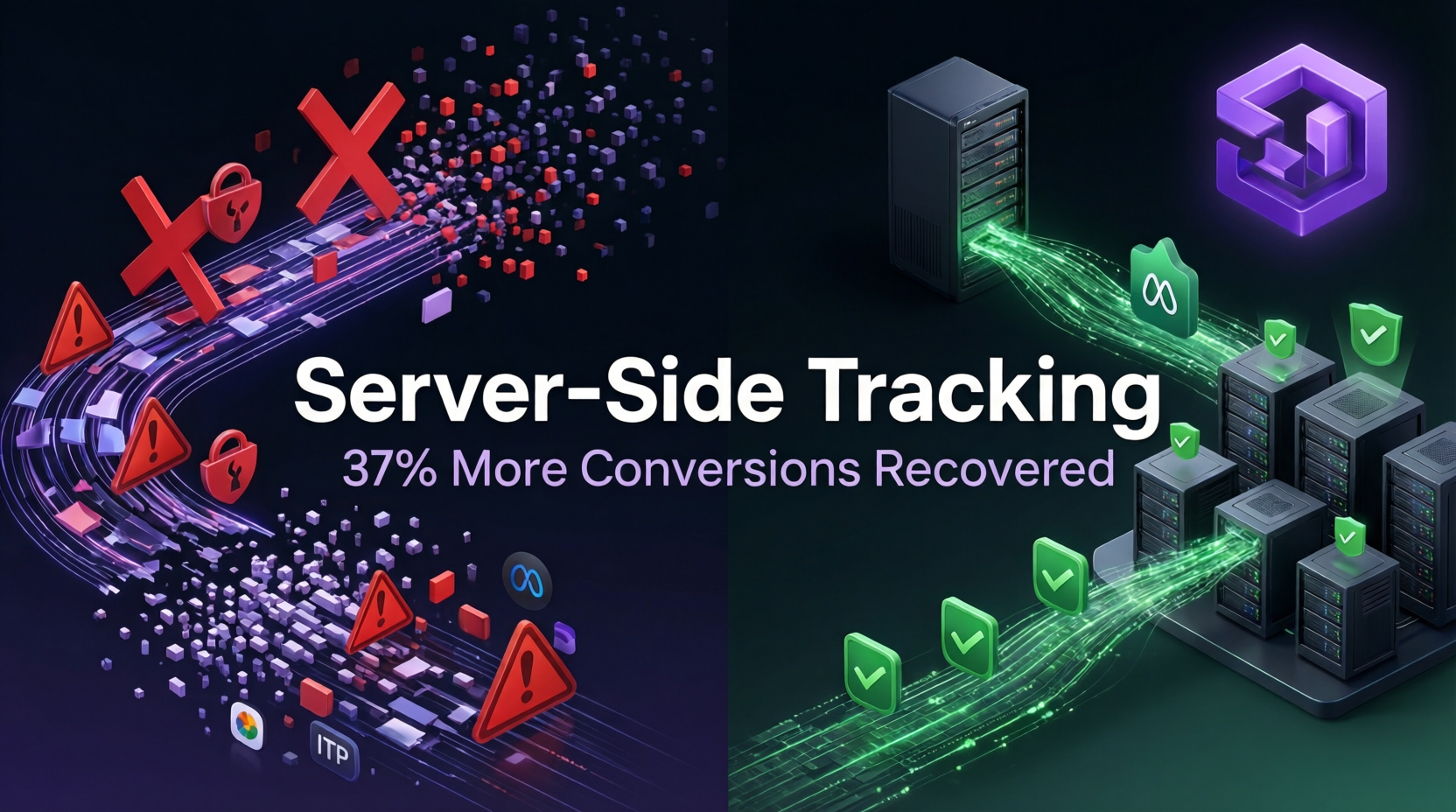
Your conversion tracking is broken. Not because you installed the pixel wrong. Because browser-based tracking can't survive the modern privacy landscape.
iOS 14.5 killed third-party cookies. Ad blockers strip tracking pixels. Safari's ITP limits attribution windows. Browser restrictions delete data before it reaches your ad platforms. The result? You're losing 30-40% of your conversion data, making decisions on partial information while your ROAS calculations drift further from reality.
Server-side tracking and server-side conversion tracking solve this by moving data collection from the user's browser to infrastructure you control. Instead of hoping pixels survive the journey from browser to ad platform, you capture conversion events on your server and send them directly through secure API connections. This first-party data approach bypasses client-side tracking limitations entirely.
This isn't theory. Ecommerce brands implementing server-side tracking report recovering 37% more tracked conversions in their Google Ads and Meta Ads accounts. That's not 37% more revenue—it's 37% more visibility into the revenue you were already generating but couldn't see.
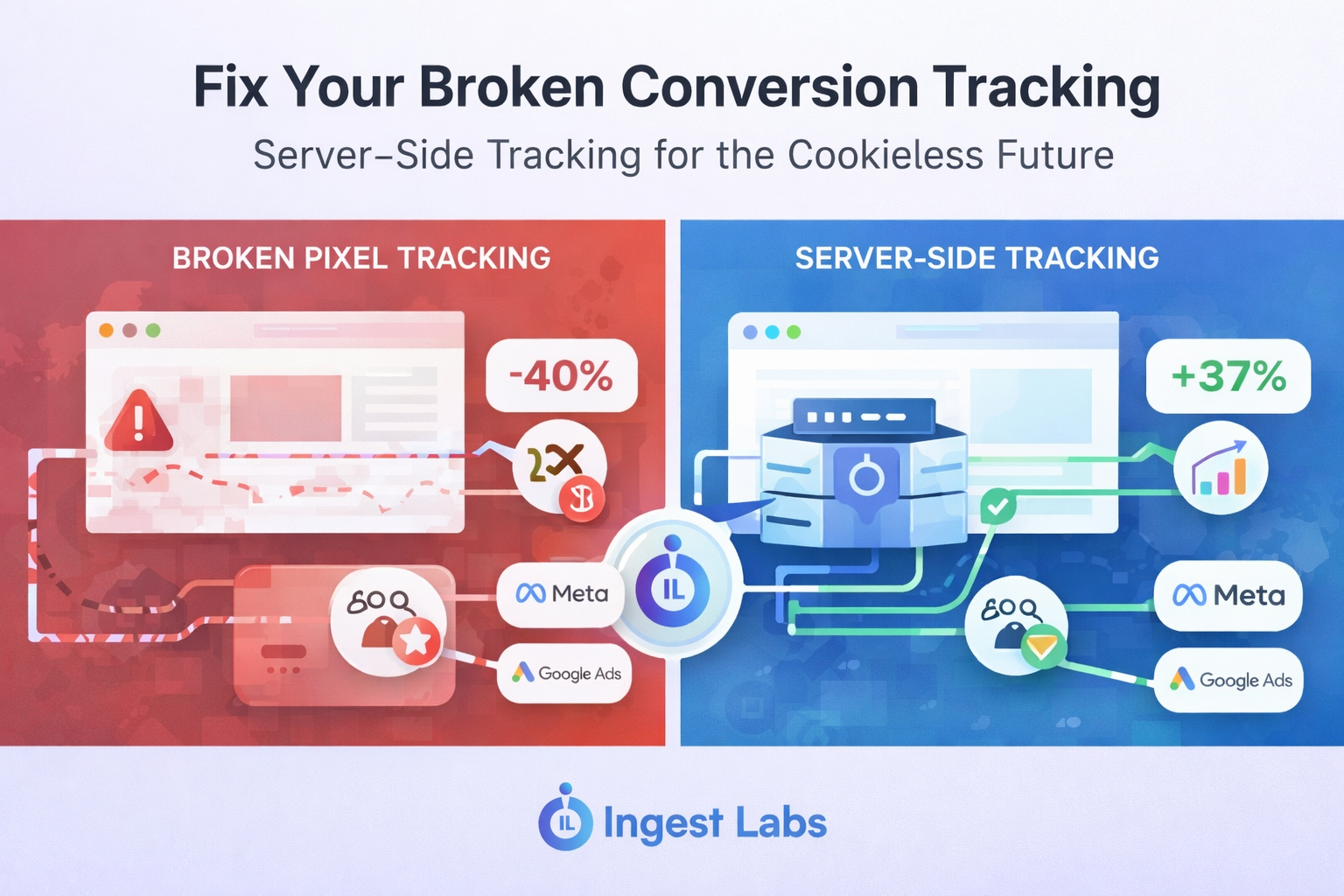
What Server-Side Tracking Actually Is
Server-side tracking captures conversion data on your web server before sending it to advertising platforms through their APIs. Instead of browser-based pixels firing tracking calls directly to Meta or Google, your server becomes the intermediary.
Here's the flow:
-
User completes a purchase on your website
-
Your server records the transaction details
-
Server sends conversion data to ad platforms via API (Meta CAPI, Google Ads API, etc.)
-
Platforms receive first-party data from your domain, not the user's browser
The key difference: data collection happens in an environment you control, immune to ad blockers, cookie restrictions, and browser privacy settings that destroy client-side tracking.
Why Client-Side Tracking Fails in 2026
Client-side tracking relies on JavaScript pixels running in the user's browser. Every tracking call depends on that browser allowing the request, storing the cookie, and completing the connection before the user closes the tab.
That model breaks down across multiple failure points:
Ad blockers strip tracking scripts before they load. Current estimates show 30-40% of internet users run ad blocking software.
iOS App Tracking Transparency requires explicit user permission to track across apps and websites. Opt-in rates remain below 25% in most markets.
Safari ITP limits cookie lifespan to 7 days, destroying attribution for longer sales cycles. Firefox Enhanced Tracking Protection does the same.
Third-party cookie deprecation continues across browsers. While Google delayed full removal, the writing is clear: third-party cookies are dead infrastructure.
The compounding effect matters more than individual failures. A single purchase might trigger 5-10 tracking pixels. If 40% of pixels fail, you're not seeing 40% fewer conversions—you're seeing fragment data that makes attribution models guess wrong.
Server-Side Tracking vs Client-Side: The Architecture Difference
Client-side tracking puts all responsibility on the browser:
User Browser → Pixel Fires → Ad Platform
Every step depends on browser permissions, network stability, and user not bouncing before the pixel completes.
Server-side tracking moves data collection behind your infrastructure:
User Browser → Your Server → Ad Platform API
When a conversion happens, your server knows. It stores the data, enriches it with first-party data, and sends complete conversion events to ad platforms—regardless of what happened in the user's browser.
This creates several advantages:
Data accuracy: Server-side tracking captures 100% of conversions your server processes. A completed checkout generates a server-side event even if the user closed their browser before client-side pixels loaded.
First-party data collection: Events sent from your domain carry first-party cookies. Ad platforms treat this data as higher quality, improving match rates and attribution.
Control: You decide what data gets shared with which platforms, how it's formatted, and what customer information to include or hash for privacy.
Page speed: Fewer client-side scripts mean faster page loads. Server-side requests happen after the page renders, not during.
Implementation: How Server-Side Tracking Actually Works
Most server-side tracking implementations follow one of three architectures:
1. Google Tag Manager Server-Side
GTM server-side creates a server container that receives data from your website, processes it, and forwards events to ad platforms.
Setup involves:
-
Deploy a server container (typically on Google Cloud Run or your infrastructure)
-
Configure client-side tags to send data to your server container instead of directly to ad platforms
-
Set up server-side tags that forward events to Meta CAPI, Google Ads API, GA4, etc.
-
Add data enrichment logic and consent management
GTM server-side works well for brands already using GTM and wanting to minimize custom code.
2. Direct API Integration
Connect your backend directly to advertising platform APIs:
-
Meta Conversions API
-
Google Ads conversion tracking API
-
TikTok Events API
-
Snapchat Conversions API
When your server processes a conversion (checkout completion, subscription start, lead submission), it formats the data and POSTs it directly to each platform's endpoint.
This approach gives maximum control but requires development resources. You're building the integration logic, handling errors, and managing API authentication yourself.
3. Plug-and-Play Platforms
Third-party platforms like Stape, Conversios, and attribution tools offer managed server-side tracking. They provide the server infrastructure, handle API connections, and simplify setup through integrations with common ecommerce platforms.
Trade-off: less customization, more speed to implementation. Good for brands wanting server-side tracking without dedicated engineering resources.
Google Ads Server-Side Conversion Tracking
Google Ads accepts server-side conversions through their API, requiring:
-
Conversion tracking ID: Links the conversion to a specific click
-
gclid: Google's click identifier, captured when the user clicks your ad
-
Conversion time: When the action happened
-
Conversion value: Revenue or custom value
The critical piece is capturing the gclid when users land on your site and associating it with their conversion event. Store it in a first-party cookie or session data. When the purchase happens, your server sends the conversion with the gclid attached.
Google uses this to attribute the conversion back to the original ad click, even though the data arrived via API rather than browser pixel.
Meta Ads Conversion API (CAPI) Implementation
Meta Ads Conversion API serves as the server-side counterpart to the Facebook Pixel. Best practice is running both: pixel handles browser-side events, CAPI handles server-side purchase confirmations.
Meta Ads CAPI requires:
-
Event name: Purchase, AddToCart, Lead, etc.
-
Event time: Unix timestamp
-
User data: Email, phone, IP address, user agent (hashed for privacy)
-
Custom data: Product IDs, value, currency
-
fbp/fbc: First-party cookies that connect the server event to browser sessions
Event Match Quality (EMQ) measures how well Meta can match your server events to user profiles. Higher EMQ means better attribution. Including multiple user data parameters (email, phone, address) improves matching.
The relationship between EMQ and attribution matters more than most implementations acknowledge. Meta's algorithm optimizes toward the conversions it can see and attribute. Feeding complete, high-EMQ events trains better models than sparse, low-quality data.
The Hybrid Approach: Client and Server Together
Pure server-side tracking captures definitive conversions but misses valuable upstream signals. A user viewing your product page, adding to cart, or watching a video provides optimization signals even if they don't convert immediately.
The hybrid approach runs:
Client-side for engagement tracking:
-
Page views
-
Video watches
-
Add to cart
-
Initiate checkout
-
Scroll depth
-
Time on site
Server-side for conversion events:
-
Purchases
-
Subscription starts
-
Qualified lead submissions
-
Account registrations
-
High-value conversions
This feeds ad platforms complete journey data. Meta Ads and Google Ads algorithms need volume to optimize. Pure server-side would only send 2-5% of sessions (those that convert). Hybrid sends 100% of engagement + 100% of conversions.
The client-side data can still be affected by tracking limitations, but that matters less when your definitive conversion events come through reliably via server.
Real Impact: What Changes After Implementation
When you implement server-side conversion tracking correctly, several metrics shift:
Reported conversions increase 20-40%: This is the "dark matter" of conversions you were generating but couldn't see. Your actual revenue doesn't change—your visibility does.
Attribution windows extend: First-party cookies last longer than third-party. Conversions that happened on day 10 get attributed correctly instead of marked "unknown."
Match rates improve: First-party data sent through Conversions API or Google's Enhanced Conversions achieves match rates above 90%, compared to 60-70% for pixel-only implementations.
Campaign optimization accelerates: When Meta Ads and Google Ads receive complete conversion data, their algorithms optimize faster. You hit learning phase exits sooner and find profitable audiences quicker.
The second-order effect matters more than the first. Recovering lost conversion data fixes your reporting. Feeding that data back to ad platforms fixes your optimization, which compounds over time.
Common Implementation Mistakes
Sending duplicate events: Running both pixel and server-side without deduplication creates double-counting. Use event_id parameters to let platforms merge matching events.
Poor data quality: Sending server events without user data (email, phone, IP) produces low match quality and limited attribution value. The server request succeeded, but the platform can't use it effectively.
Incomplete gclid capture: If you lose the gclid between click and conversion, Google can't attribute the server-side conversion. Store it reliably in first-party cookies or your database.
Privacy non-compliance: Server-side doesn't bypass privacy requirements. You still need consent before collecting personal data. The tracking method changed; the legal obligations didn't.
Set-and-forget approach: Server-side tracking requires monitoring. API errors, authentication failures, and data formatting issues fail silently. Build alerting when conversion volumes drop.
Privacy Considerations and First-Party Data Compliance
Server-side tracking improves data control but doesn't eliminate privacy requirements. You're collecting user data on your server and sending it to third parties—both regulated activities under GDPR, CCPA, and similar laws.
Requirements include:
-
Consent management: Honor user consent choices before sending data to ad platforms
-
Privacy policy updates: Document that you use server-side tracking and share data with advertising platforms
-
Data hashing: Hash PII (email, phone) before transmission
-
Retention limits: Don't store conversion data longer than necessary
The compliance advantage: server-side architectures make it easier to implement consent controls. You control the data flow and can conditionally send events based on consent status, rather than hoping browser-side scripts respect user choices.
The Bottom Line
Server-side tracking isn't optional infrastructure anymore. It's the baseline for accurate conversion data and reliable ad platform optimization in Google Ads, Meta Ads, and every major advertising platform.
The brands seeing strongest results implement hybrid tracking: client-side for engagement volume, server-side for definitive conversions. They monitor data quality, maintain high match rates, and use first-party data to strengthen attribution.
Implementation complexity depends on your tech stack and resources. GTM server-side provides a middle path between DIY API integrations and fully managed platforms. All approaches beat the alternative: making seven-figure ad decisions on partial data while browsers delete more tracking signals each year.
Start by instrumenting your highest-value conversion events server-side. Purchase completion. Subscription start. Qualified lead. Get those flowing reliably, measure the data recovery, then expand to additional events.
The window for easy client-side tracking closed years ago. Server-side tracking is how you build conversion measurement that lasts beyond the next browser update.
Ready to fix your tracking?
If you’ve read this far, you already know:
👉 Pixel-based tracking isn’t enough anymore.
The next step is implementing server-side tracking the right way.
FAQs
What is server-side tracking?
Server-side tracking is a method of sending user event data from your server to ad platforms instead of relying on browser-based tracking.
Why is server-side tracking important?
It improves data accuracy, bypasses ad blockers, and enables better attribution in a cookieless world.
Does server-side tracking improve ROAS?
Yes. Brands typically recover 15–25% of lost conversion data, leading to better optimization and improved ROAS.
Is server-side tracking GDPR compliant?
Yes, when implemented correctly, it allows better control over consent and data handling.
Do I need a developer for server-side tracking?
Not necessarily. Tools like Ingest Labs enable no-code or low-code implementation.