



Digital marketers today face a new challenge: balancing data accuracy with growing privacy demands. As cookies fade and regulations tighten, understanding how data is collected has become essential.
Two common approaches dominate the discussion: client-side tracking and server-side tracking. Each method offers unique advantages, trade-offs, and implications for compliance and campaign performance.
This article explains the real difference between the two, helping you decide which approach best suits your organization’s goals. Let’s begin by understanding how client-side tracking works and why it’s still widely used.
Key Takeaways
- Client-side tracking is quick to set up but less reliable when privacy rules, ad-blockers, or browser limits apply.
- Server-side tracking gives businesses better data control, accuracy, and compliance with privacy laws like GDPR and CCPA.
- Many teams now use a hybrid model, client-side for real-time engagement data and server-side for secure, compliant tracking.
- Ingest Labs helps marketers move toward privacy-first, no-code tracking that’s ready for a cookieless future.
What Is Client-Side Tracking?
Client-side tracking refers to data collection that happens directly in a user’s browser. Each time someone visits a website, small pieces of code, known as tags or pixels, record actions such as clicks, scrolls, form submissions, or purchases.
This data is then sent straight to third-party platforms like Google Analytics, Meta Ads Manager, or marketing automation tools.
For example, when a visitor clicks “Add to Cart,” a client-side tag instantly sends that information to the analytics tool, providing marketers with real-time insights. This approach is simple to implement and does not require complex backend configurations.
Advantages of Client-Side Tracking:
- Quick and easy to deploy using tools like Google Tag Manager.
- Enables immediate feedback on user interactions.
- Ideal for marketers who need fast campaign setup and on-page event monitoring.
Limitations of Client-Side Tracking:
- Data loss risk: Browser restrictions, ad-blockers, and cookie policies can block scripts or prevent data transmission.
- Performance issues: Each tag adds to page load time, affecting user experience.
- Privacy compliance challenges: Data sent directly to third parties may conflict with regulations like GDPR or CCPA.
- Inconsistent accuracy: Tracking may vary across browsers, devices, and network conditions.
On the other hand, businesses that require precise data and full control over how it is shared often look for a more secure alternative, server-side tracking, which we’ll explore next.
Also Read: Understanding How server side Tracking Works
What Is Server-Side Tracking?
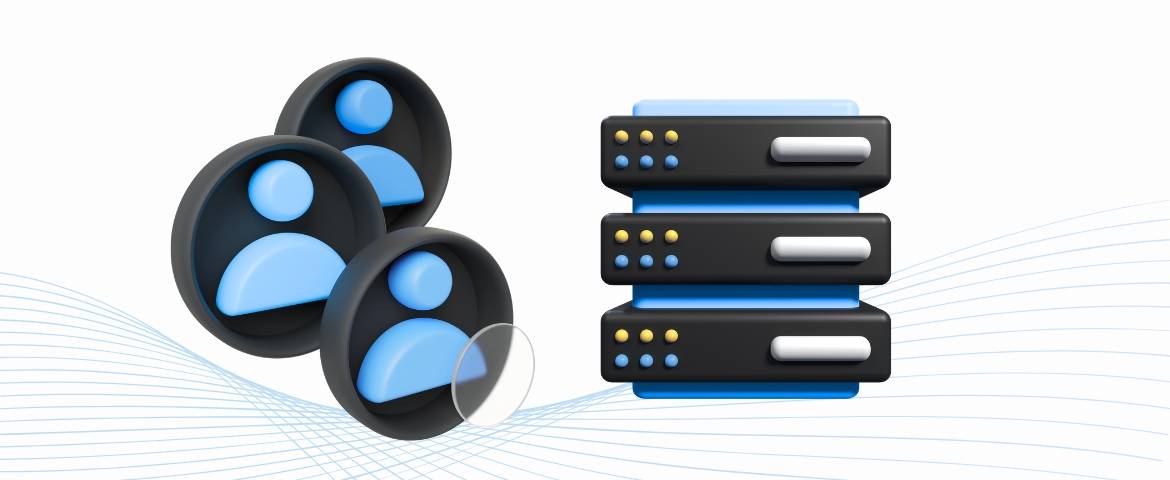
Server-side tracking collects and processes user data on a secure server instead of relying on the visitor’s browser.
When a user interacts with a website or app, the information is first sent to the business’s own server. That server then forwards the relevant data to analytics, advertising, or CRM platforms.
For example, rather than a tag in the browser sending purchase data directly to Google Analytics, the company’s server captures the event, processes it securely, and transmits only approved details. This allows marketers to maintain control over what data is shared and how it is stored.
Key Advantages of Server-Side Tracking:
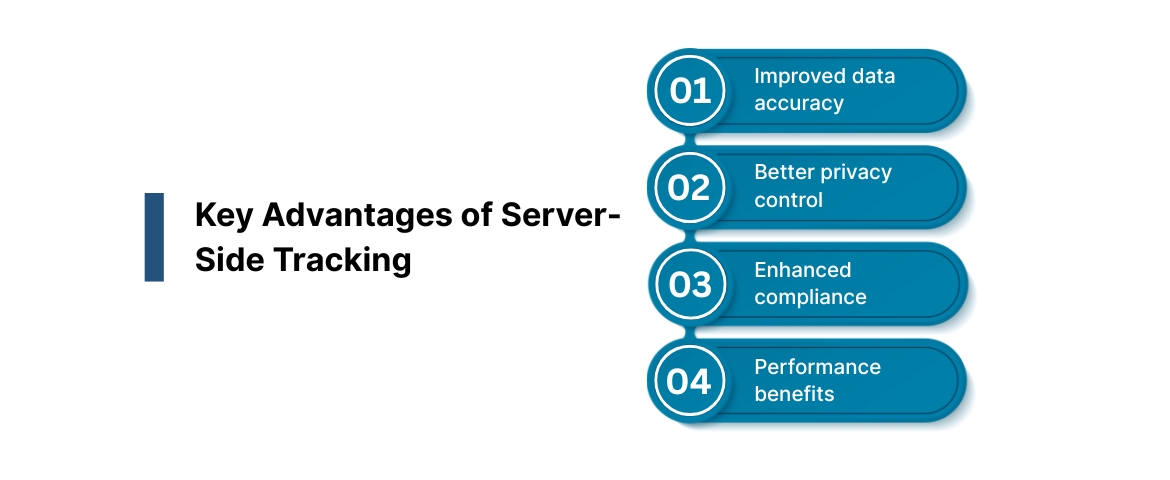
- Improved data accuracy: Reduces loss caused by ad-blockers, browser limits, or network errors.
- Better privacy control: Businesses decide exactly what personal information is collected and where it goes.
- Enhanced compliance: Easier to meet privacy standards like GDPR and CCPA through filtered, consent-based data flows.
- Performance benefits: Fewer browser scripts mean faster page loading and a smoother user experience.
Considerations and Challenges:
- Requires technical setup, such as configuring a tracking server or container.
- Involves higher initial costs and potential maintenance efforts.
- Limited visibility into certain on-page events (for example, scroll depth or hover actions).
Now that we know how server-side tracking works, it’s easier to compare the two approaches side by side.
The next section highlights the key differences between client-side and server-side tracking, showing how each impacts accuracy, privacy, and performance.
Also Read: Introduction to Importance of Server-Side Tagging and Tracking
Key Differences Between Client-Side and Server-Side
This section compares the two tracking methods clearly and objectively, showing marketers what truly changes when data moves from the browser to the server.
It includes a simple comparison table for readability, followed by an interpretation of what those differences mean for real business outcomes.
| Aspect | Client-Side Tracking | Server-Side Tracking |
| Where Code Runs | In the user’s browser (front end). | On the company’s server (back end). |
| Data Flow | Data goes directly from the browser to third-party platforms. | Data first passes through your own secure server before being shared. |
| Accuracy | Can be inconsistent due to ad-blockers or browser restrictions. | High accuracy, as data is processed centrally and securely. |
| Privacy and Compliance | Harder to control what data is shared; limited filtering options. | Easier to comply with GDPR, CCPA, and internal data policies. |
| Performance Impact | Multiple scripts can slow down site speed and affect UX. | Fewer scripts reduce load time and improve overall performance. |
| Control Over Data | Limited control, data is handled by third parties. | Full ownership and flexibility in deciding what is shared. |
| Implementation Complexity | Easy setup using tools like Google Tag Manager. | Requires technical configuration and maintenance. |
| Cost and Resources | Low cost, minimal infrastructure needs. | Higher setup and operational costs, but more reliable long-term. |
| Best For | Small teams or campaigns need quick insights. | Businesses focused on data security, compliance, and long-term accuracy. |
Interpreting the Differences
Client-side tracking is convenient for quick insights and simple campaigns. It suits marketers who prioritize speed and flexibility over full data control.
On the other hand, server-side tracking offers reliability, compliance, and scalability, making it ideal for organizations managing sensitive data or large customer bases.
Now that we’ve outlined the main differences, it’s clear that both have their place. However, as privacy expectations rise and browsers tighten data collection rules, many teams are re-evaluating their reliance on client-side methods.
The next section explores why server-side tracking is becoming the preferred choice for data-driven businesses and how it supports privacy-first marketing.
Also Read: Introduction to Server-side Tagging vs Client-side Tagging
Why Server-Side Tracking Is Gaining Ground
Digital marketing is evolving rapidly, but one constant remains: accurate data drives better decisions. As third-party cookies phase out and privacy regulations expand, client-side tracking alone can no longer guarantee complete or compliant data.
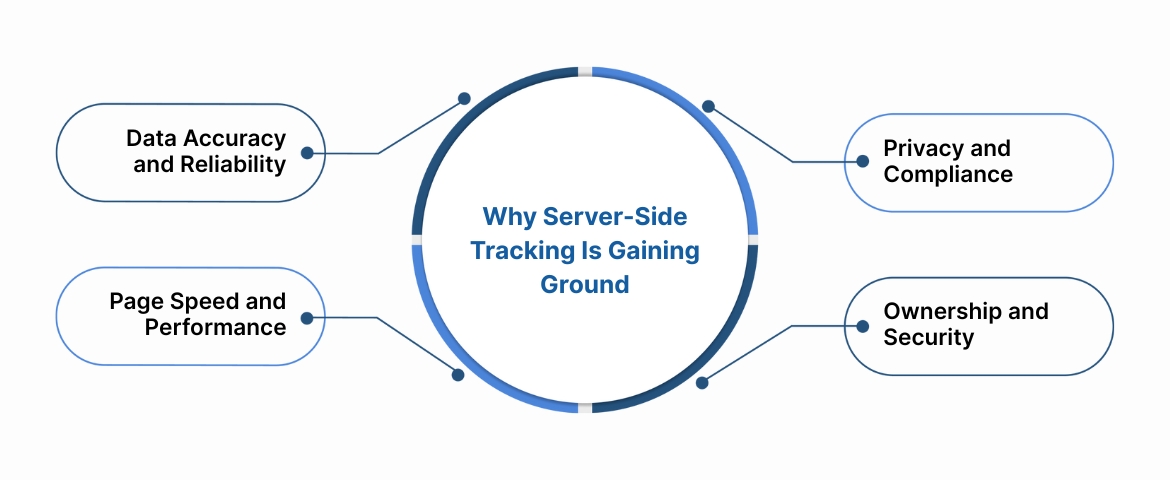
Server-side tracking is gaining popularity because it provides marketers with control, consistency, and privacy, all at once.
1. Data Accuracy and Reliability
Browser-based tracking often misses key events due to ad-blockers, network limits, or cookie restrictions. With server-side tracking, data flows directly from the website to a managed server, ensuring fewer drop-offs and cleaner insights.
For example, a retailer can capture every conversion event, even when users block scripts- by routing it securely through their server.
2. Privacy and Compliance
Privacy regulations such as GDPR and CCPA require explicit consent and responsible data handling.
Server-side models make compliance easier because marketers can choose what data to share with third parties, filter personal identifiers, and enforce consent logic centrally.
3. Page Speed and Performance
Fewer browser scripts mean faster load times. A lighter website enhances user experience and can even improve conversion rates. This is especially important for e-commerce brands where every second counts.
4. Ownership and Security
Owning your data pipeline means protecting customer information from unauthorized use. Server-side tracking gives brands full visibility and control, building user trust over time.
Many modern platforms, including Ingest Labs, help marketing teams adopt server-side tracking without the usual technical challenges.
By simplifying the process and maintaining compliance standards, businesses can stay focused on strategy instead of infrastructure.
Now that we know why server-side tracking is becoming more common, the next question is which model fits your business best.
Choosing the Right Model for Your Business
Selecting the right tracking method depends on your organization’s size, goals, and compliance needs. The aim is not to replace one approach entirely, but to choose the configuration that best supports your marketing objectives.
When to Use Client-Side Tracking:
- You need quick insights from ad platforms and on-page user events.
- Your campaigns depend on immediate, interactive metrics like scrolls, clicks, or form submissions.
- You manage smaller websites where advanced compliance controls are less critical.
When to Use Server-Side Tracking:
- Accuracy, privacy, and compliance are business priorities.
- Your team handles sensitive customer data or works in regulated sectors.
- You manage multiple channels or large datasets that require consistency across systems.
- You want to future-proof your analytics against browser limitations.
When a Hybrid Model Works Best:
Some organizations use both methods. For example, client-side tracking can capture front-end behavior while server-side handles transactions and consent-based data sharing. This balanced setup allows flexibility without sacrificing control.
Practical Tip:
Evaluate your data stack, resources, and compliance requirements before choosing a direction. Many marketers find that starting with server-side tracking for high-value events, such as purchases or lead submissions, offers the best return.
Businesses using Ingest Labs’ privacy-first platform often combine both approaches. The tools simplify data routing and consent management while helping marketing teams maintain accurate, compliant reporting across channels.
Conclusion
Client-side and server-side tracking both play important roles in how businesses collect and use marketing data. Client-side tracking remains a fast, simple way to understand user activity, while server-side tracking brings precision, compliance, and control.
The choice depends on your goals, speed and simplicity, or accuracy and long-term trust.
As privacy laws evolve and browsers restrict data access, server-side tracking has become more than a technical upgrade; it’s a strategic shift.
Now that you understand the difference, take time to evaluate your current data setup and identify areas that may need better accuracy or privacy management.
Ingest Labs helps marketing teams build privacy-first, cookieless tracking environments without complex coding or manual maintenance. Discover how our no-code solutions simplify data collection, enhance compliance, and future-proof your analytics.
Contact us to know how Ingest Labs can help your organization modernize its data tracking.
FAQs
1. What is the main difference between client-side and server-side tracking?
Client-side tracking collects data directly from the user’s browser, while server-side tracking processes that data securely on a managed server before sharing it with platforms.
2. Is server-side tracking replacing client-side tracking?
Not entirely. Many businesses now use a hybrid model, keeping client-side for user interaction insights and adopting server-side for accuracy, privacy, and compliance.
3. Does server-side tracking improve compliance with privacy laws?
Yes. It allows organizations to filter, anonymize, and control data before sending it to third-party platforms, helping them align with laws like GDPR and CCPA.
4. Can server-side tracking improve website speed?
Absolutely. By reducing the number of browser tags and third-party scripts, server-side tracking helps websites load faster and perform more efficiently.
5. When should a business consider switching to server-side tracking?
If your organization faces data loss, compliance concerns, or relies on multi-channel campaigns, server-side tracking provides a more stable, privacy-first foundation.