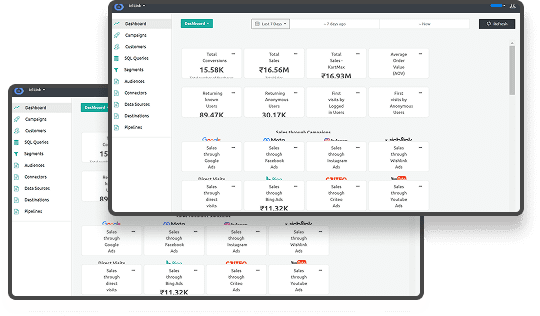





Marketing teams are drowning in data but starving for insights. You're tracking campaigns across six platforms, exporting CSVs at midnight, and still can't answer basic questions like "which channel actually drives conversions?" The problem isn't a lack of data. It's the lack of tools that turns fragmented signals into decisions you can act on today, not next quarter.
This guide cuts through the noise. We'll walk through the 10 best analytical tools for marketers in 2026, what makes them work, and how to choose one that fits your stack.
Key Takeaways
- Marketing analytics tools have evolved from basic reporting to AI-powered platforms that predict behavior, automate insights, and integrate seamlessly across your entire tech stack.
- The best tools in 2026 prioritize real-time data processing, cross-channel attribution, and compliance with GDPR and CCPA without sacrificing granularity or speed.
- Server-side tracking is no longer optional as third-party cookies disappear and browsers tighten restrictions, making solutions like Ingest Labs essential for accurate measurement.
- Choosing the right tool depends on your specific needs: campaign tracking, behavioral analytics, data visualization, or unified customer profiles across web and mobile.
- Ingest Labs offers server-side tracking and first-party data solutions that bypass browser limitations and ensure privacy compliance while delivering accurate attribution.
What Are Analytical Tools for Marketers and Why They Matter in 2026
Analytical tools for marketers collect, process, and visualize data from campaigns, websites, apps, and customer interactions. They turn raw events like clicks, form fills, and purchases into metrics that guide budget allocation, creative decisions, and growth strategy.
Here's why they're critical in 2026:
- Third-party cookies are gone. Chrome finally deprecated them. Safari and Firefox already did. First-party data collection is the only path to accurate attribution.
- Privacy regulations tightened. GDPR fines hit record highs in 2024. Tools must handle consent management and data residency without breaking your tracking.
- Customer journeys are fragmented. Users bounce between mobile apps, web browsers, social platforms, and physical stores. You need tools that stitch these touchpoints together.
- AI changed expectations. Teams expect predictive insights, automated anomaly detection, and recommendations, not just dashboards that they have to interpret manually.
- Real-time matters. Waiting 24 hours for data to process means you're optimizing yesterday's campaign while burning today's budget.
The right analytics tool doesn't just report what happened. It tells you why it happened, predicts what happens next, and integrates with your existing stack so you can act immediately. Let's look at the tools that actually deliver on this promise.
10 Best Marketing Analytical Tools for Marketers in 2026
Without analytical tools, you're making million-dollar decisions based on gut feel and incomplete spreadsheets. So, here are some of the best analytical tools for marketers:
1. Ingest Labs
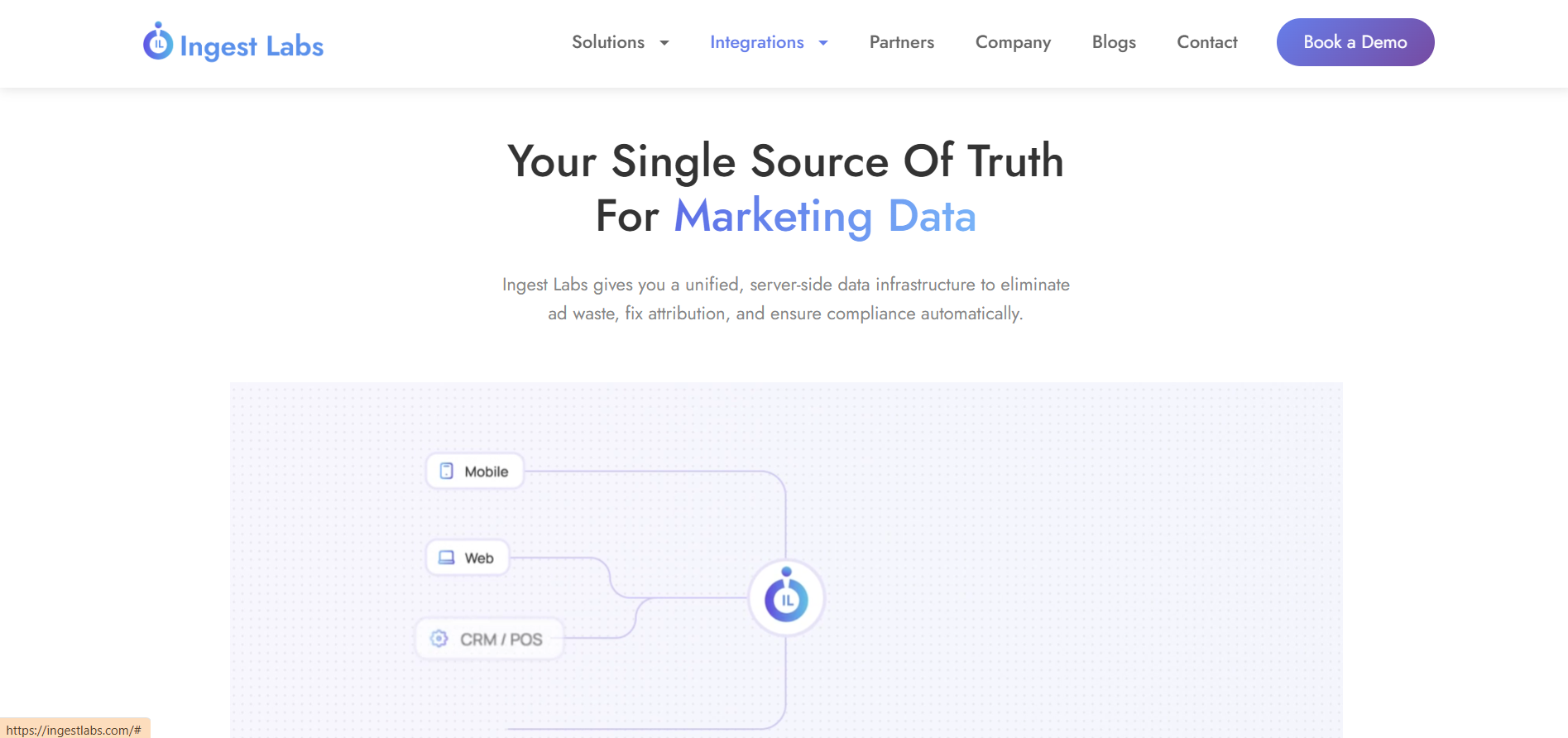
Ingest Labs specializes in server-side tracking and first-party data infrastructure built for the cookieless era. It captures customer signals that browser-based tracking misses, streams data to your CDP or data warehouse in real time, and maintains compliance with global privacy laws without sacrificing granularity.
Key Features:
- Server-side tagging that bypasses ad blockers and browser restrictions
- Ingest ID for persistent first-party user identification across sessions and devices
- Real-time data streaming to platforms like Snowflake, BigQuery, or Segment
- Built-in consent management and GDPR/CCPA compliance
- Mobile app and web tracking unified in one platform
Usage:
Ingest Labs fits teams that need accurate attribution despite iOS tracking restrictions and cookie deprecation. E-commerce brands use it to track the full funnel from ad click to purchase without losing 30% of conversions to measurement gaps. SaaS companies rely on it to connect anonymous website visitors to CRM records once they convert.
If your current setup can't answer "which campaigns drive revenue," Ingest Labs fixes that by capturing data at the source and routing it wherever you need it.
2. Google Analytics (GA4)
Google Analytics 4 replaced Universal Analytics in 2023 and remains the default choice for website and app measurement. It tracks events instead of sessions, uses machine learning to fill data gaps, and integrates natively with Google Ads for campaign optimization.
Key Features:
- An event-based tracking model that captures custom user actions
- Cross-platform measurement for web and mobile apps
- Predictive metrics like purchase probability and churn risk
- Free tier with generous limits for small to mid-sized businesses
- Native integration with Google Ads, Search Console, and BigQuery
Best For vs. Not Ideal For:
| Best For | Not Ideal For |
| Content sites tracking engagement | Enterprise-scale data volumes |
| Small businesses with limited budgets | Complex attribution modeling |
| Google Ads-heavy campaigns | Real-time decision making |
| Teams are comfortable with the Google ecosystem | Granular customer journey analysis |
Usage:
GA4 works well for content sites and lead-gen funnels, tracking engagement, forms, and video with minimal setup and predictive audiences. Its UI is clunky, sampling shows up at scale, and deeper analysis usually requires BigQuery exports.
3. Adobe Analytics
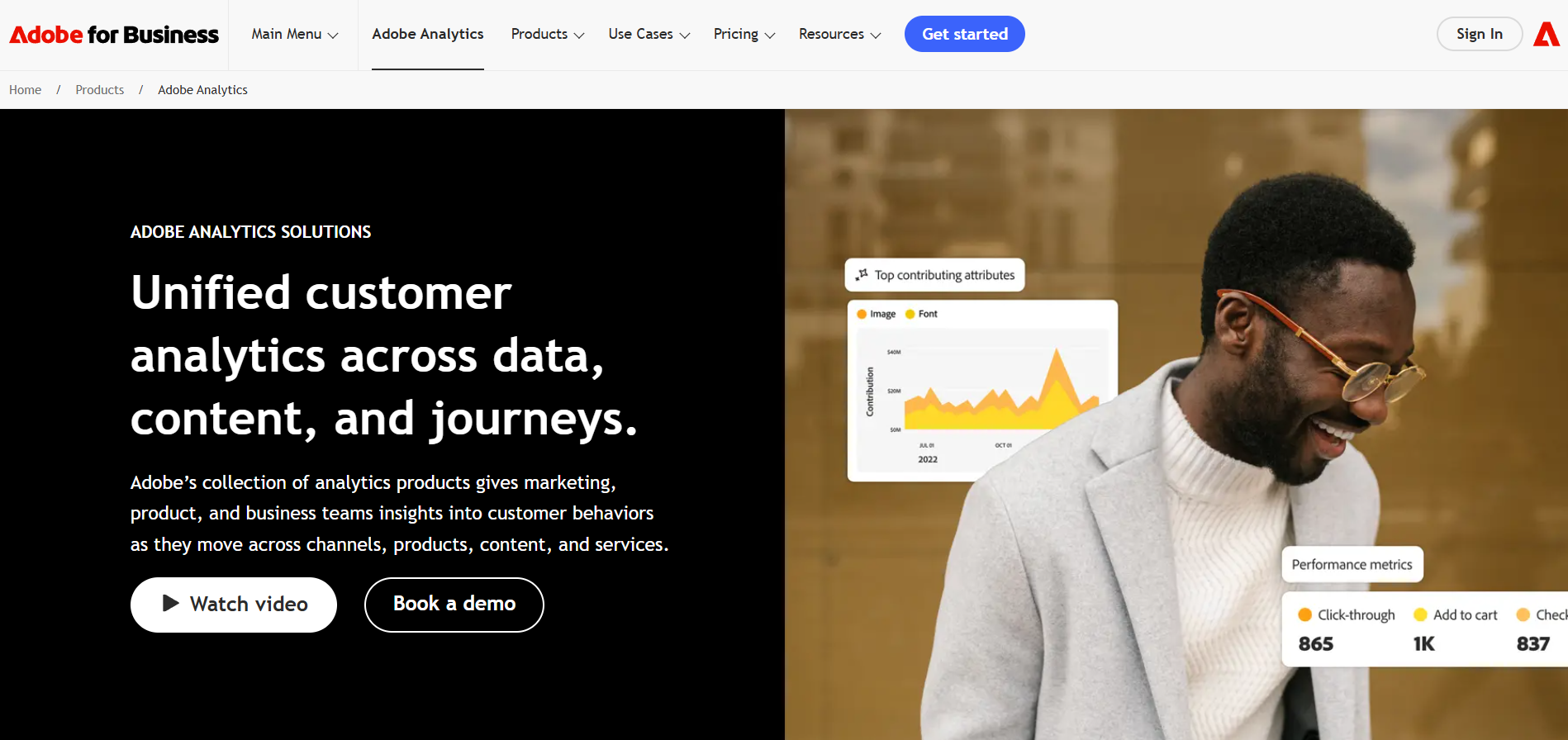
Adobe Analytics is the enterprise standard for behavioral analysis and segmentation. It handles massive data volumes, offers unlimited custom dimensions, and provides granular control over how data is processed and reported.
Key Features:
- Real-time segmentation and cohort analysis
- Unlimited custom variables and event tracking
- Attribution IQ for multi-touch modeling across channels
- Predictive analytics powered by Adobe Sensei AI
- Deep integration with Adobe Experience Cloud products
Usage:
Adobe Analytics is built for enterprises with complex, cross-channel journeys, from media networks to omnichannel retail. It’s expensive and hard to learn, but offers analytical depth far beyond GA4.
4. HubSpot Analytics
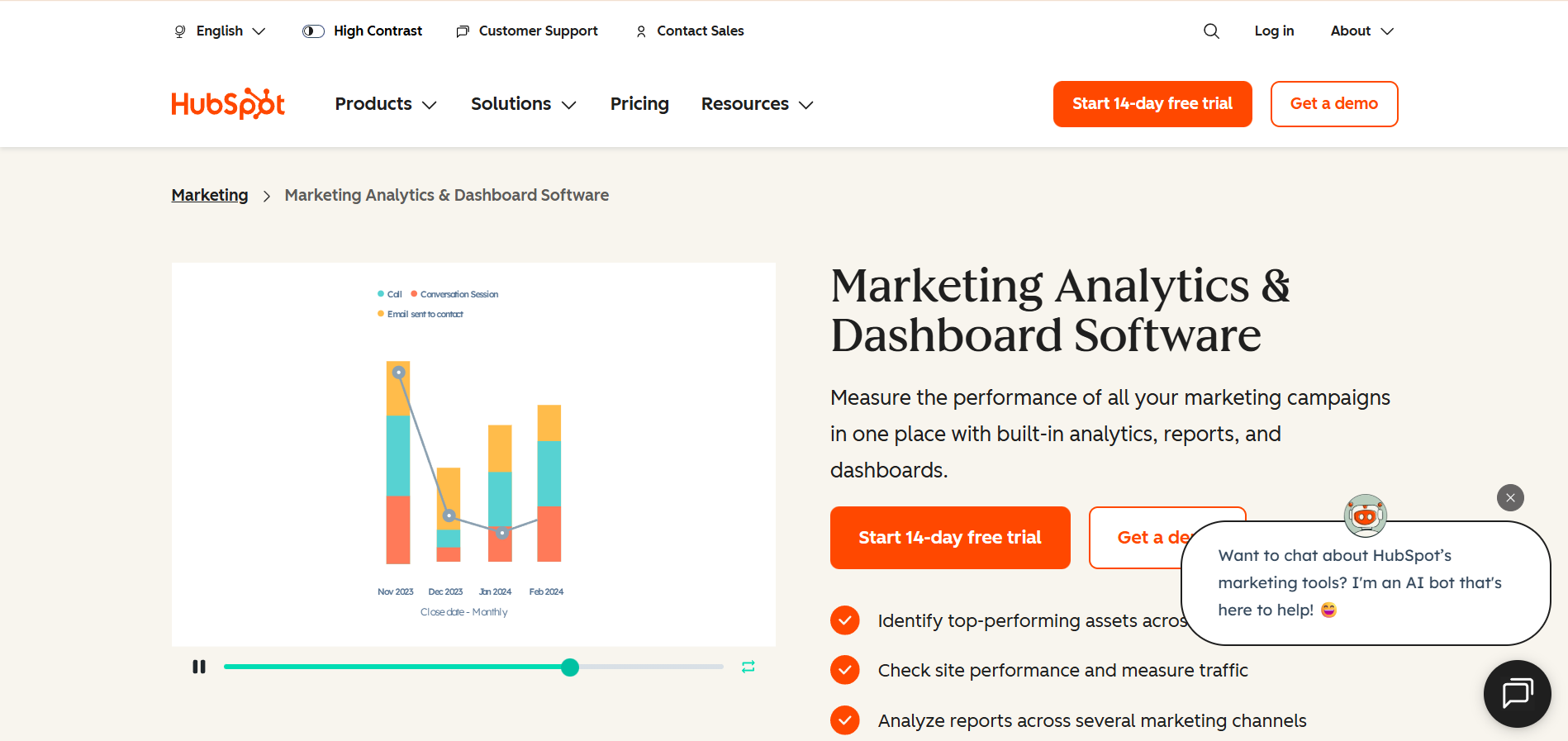
HubSpot combines marketing automation with built-in analytics, making it ideal for inbound marketing teams. It tracks email campaigns, landing pages, social posts, and website behavior in one dashboard tied directly to contacts and deals in the CRM.
Key Features:
- Attribution reporting that connects first touch to closed revenue
- Campaign analytics across email, social, ads, and content
- Contact-level tracking that shows every interaction in a timeline
- Revenue attribution tied to specific campaigns and assets
- Native integration with HubSpot CRM, Sales Hub, and Service Hub
Usage:
HubSpot suits B2B inbound teams with long lead cycles, showing which content, emails, and UTMs drive SQLs and influence deals. It’s weaker for e-commerce or mobile apps, and advanced reporting requires Enterprise.
5. SEMrush
SEMrush is a competitive intelligence and SEO platform that also tracks paid search, social ads, and content performance. It's built for teams that need to monitor competitors while optimizing their own campaigns.
Key Features:
- Competitive analysis of organic and paid search strategies
- Keyword tracking and ranking position monitoring
- Traffic analytics that estimate competitor performance
- Ad spend visibility across Google, Facebook, and display networks
- Content performance scoring and backlink analysis
Usage:
SEMrush helps agencies and SEO teams analyze competitors, uncover traffic-driving keywords, reverse-engineer ads, and spot content gaps. It excels at PPC and organic search but needs GA4 or Ingest Labs for on-site behavior and attribution.
6. Mixpanel
Mixpanel focuses on product analytics and user behavior tracking, especially for SaaS and mobile apps. It answers questions about feature adoption, user retention, and conversion funnels with granular event-based tracking.
Key Features:
- Funnel analysis that shows drop-off points in multi-step flows
- Cohort retention reports to measure long-term engagement
- A/B test impact analysis tied to specific user actions
- Behavioral segmentation based on product usage patterns
- Real-time alerts when key metrics change unexpectedly
Core Analysis Types in Mixpanel:
- Funnels: Track conversion rates through multi-step processes like onboarding or checkout
- Retention: Measure how many users return after their first session, broken down by cohort
- Flows: Visualize the paths users take through your product to find unexpected patterns
- Impact: Quantify how feature changes affect key metrics like activation or revenue
Usage:
Mixpanel helps product and growth teams analyze post-signup behavior, from onboarding to retention and churn. It’s weak for top-of-funnel tracking, but its event-based model uncovers in-app patterns that session tools miss.
7. Tableau
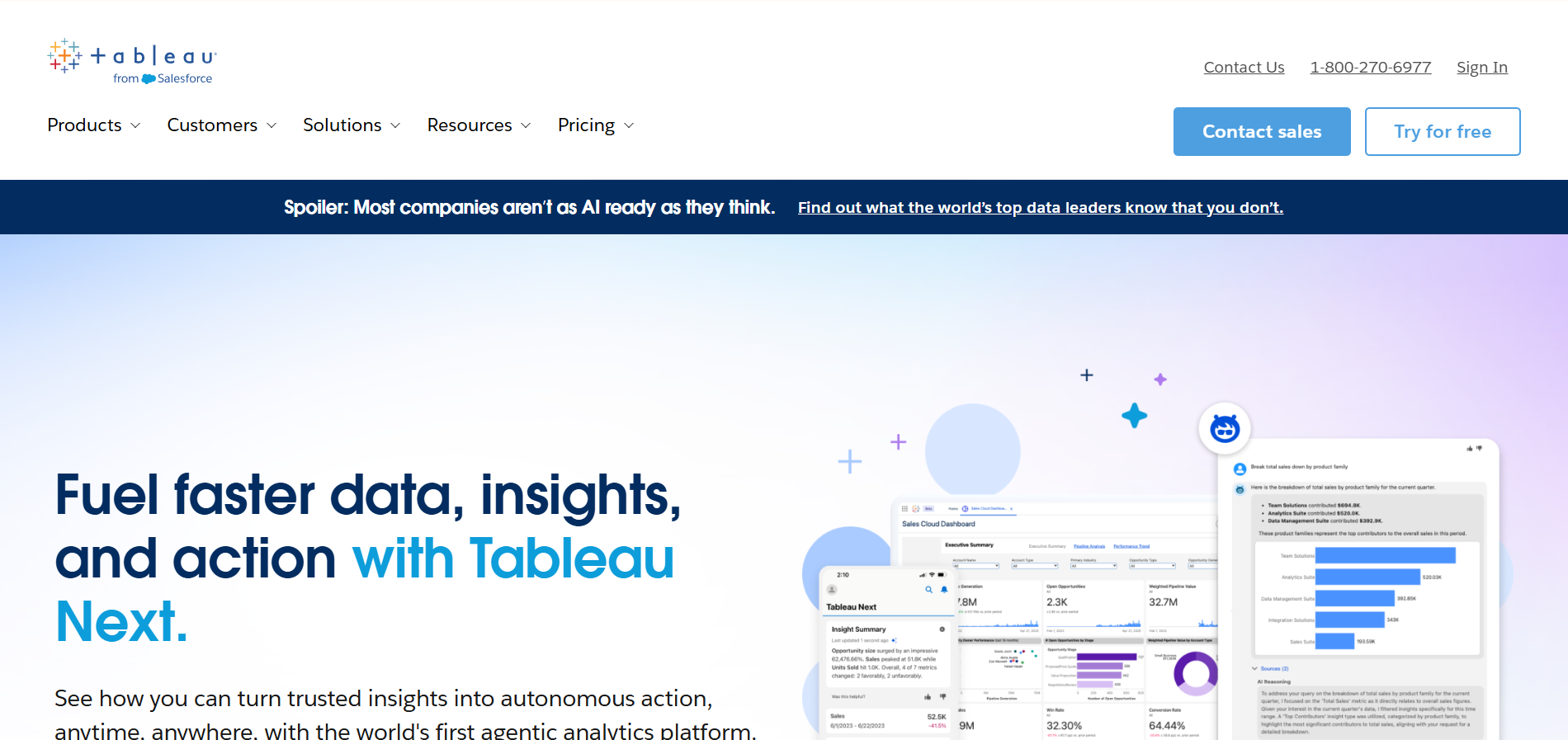
Tableau is a data visualization platform that connects to dozens of data sources and turns raw data into interactive dashboards. It doesn't collect data itself but makes existing data accessible to non-technical stakeholders.
Key Features:
- Drag-and-drop interface for building custom visualizations
- Connections to databases, spreadsheets, cloud platforms, and APIs
- Real-time dashboard updates as source data changes
- Collaboration features for sharing reports across teams
- AI-powered insights that surface trends automatically
| Tableau Strengths | Tableau Limitations |
| Handles complex data relationships | Steep learning curve for advanced features |
| Beautiful, publication-ready visualizations | Requires clean, structured source data |
| Connects to virtually any data source | Expensive licensing for large teams |
| Strong community and training resources | Performance issues with extremely large datasets |
Usage:
Tableau helps marketing leaders unify data from ads, CDPs, CRM, and GA4 into executive dashboards. It’s strong for data storytelling but depends on clean, well-structured inputs, often prepared with tools like Ingest Labs.
8. Domo
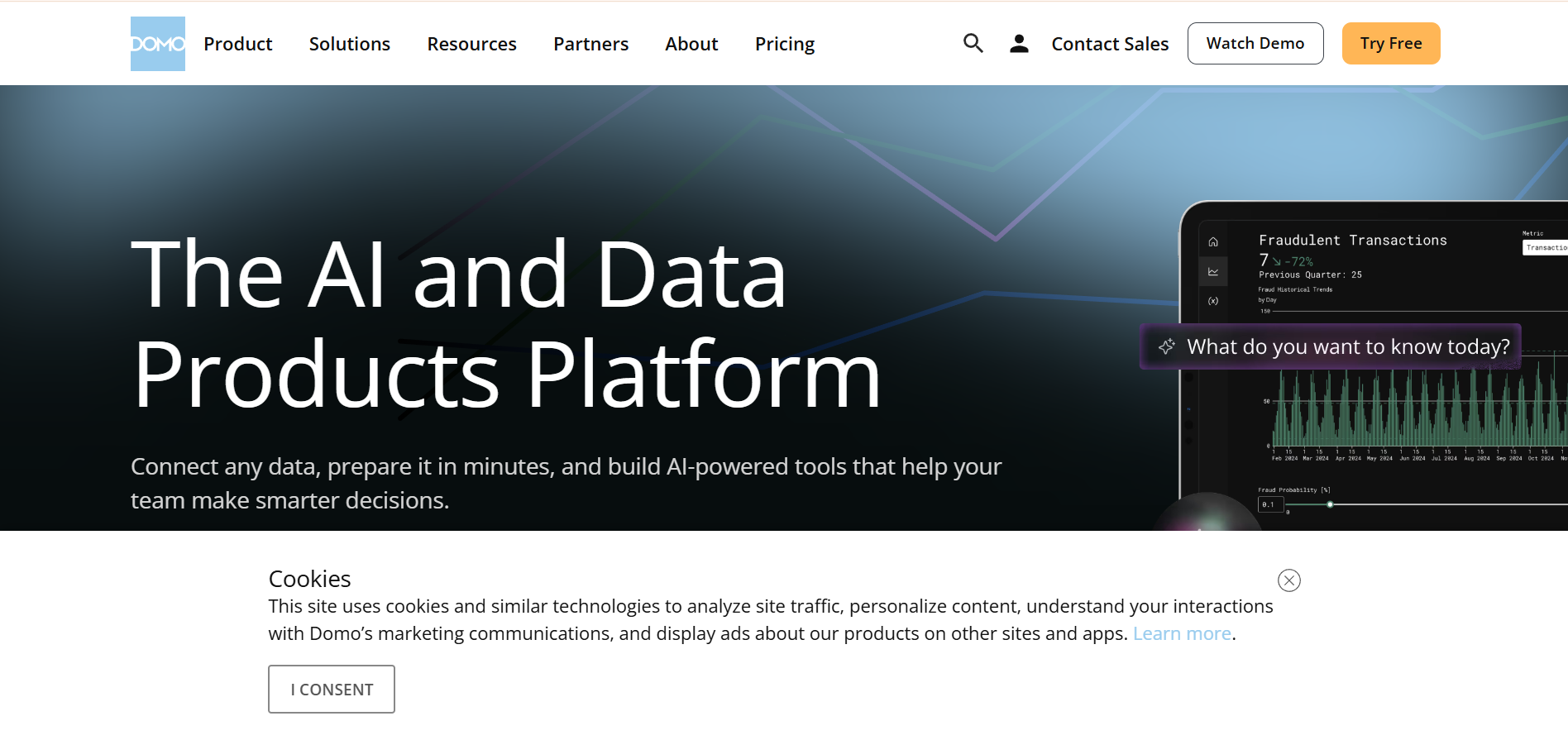
Domo is a business intelligence platform designed for teams that need to track KPIs across marketing, sales, finance, and operations in one place. It emphasizes speed and accessibility with mobile-first dashboards and automated alerts.
Key Features:
- Pre-built connectors for hundreds of marketing platforms
- Automated data pipelines that refresh hourly or in real time
- Mobile app with push notifications for metric changes
- Collaboration tools for commenting directly on data points
- Custom apps for specific workflows like campaign approvals
Domo's Unique Approach to Collaboration:
Unlike traditional BI tools, where insights live in static reports, Domo treats data as a conversation. Team members can:
- Tag colleagues directly on specific data points that need attention
- Set up automated alerts when metrics cross predefined thresholds
- Build approval workflows for budget changes based on performance data
- Share dashboards externally with clients or partners without additional licenses
Usage:
Domo gives CMOs cross-functional visibility, linking marketing metrics with ops, support, or inventory data. It’s executive-friendly but expensive, making it best suited for mid-market and enterprise BI teams.
9. Improvado / Adverity
Improvado and Adverity are marketing ETL platforms that automate data extraction from ad platforms, social networks, and analytics tools. They standardize disparate data sources and load them into warehouses or BI tools.
Key Features:
- Automated data extraction from 300+ marketing platforms
- Data transformation and normalization for consistent reporting
- Direct loading into data warehouses like Snowflake or Redshift
- Scheduling options for hourly, daily, or real-time syncs
- Custom metrics and calculated fields without SQL
Usage:
Performance teams use these tools to centralize data from multiple ad platforms and report on blended ROAS, CPL, and conversions. They eliminate manual exports and naming inconsistencies but don’t replace on-site analytics or attribution tools.
10. Mailchimp & Similar Campaign Analytics Suites
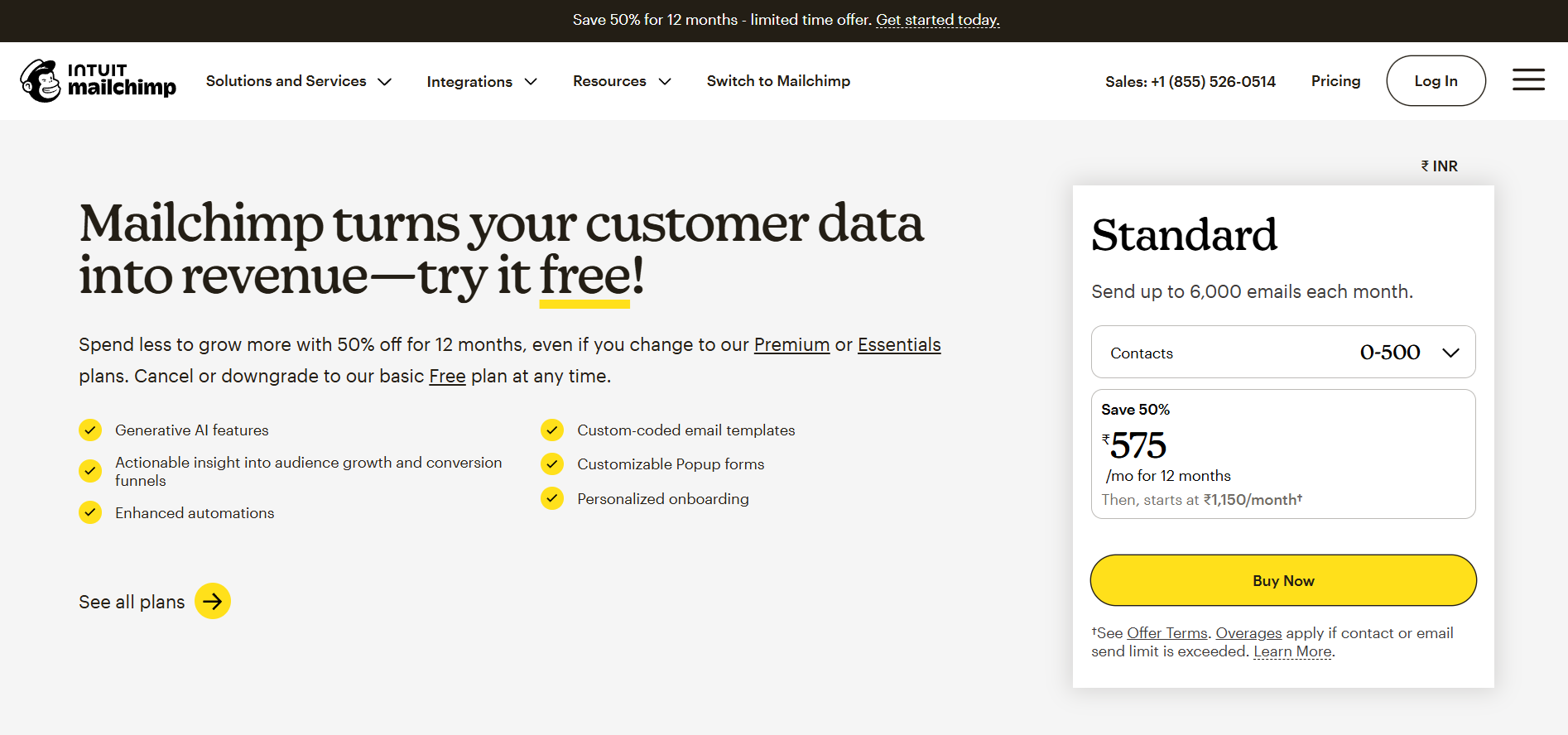
Email marketing platforms like Mailchimp, Klaviyo, and ActiveCampaign include built-in analytics for tracking campaign performance, subscriber behavior, and revenue attribution from email.
Key Features:
- Open rates, click rates, and conversion tracking per campaign
- Subscriber segmentation based on engagement and purchase history
- A/B testing for subject lines, content, and send times
- Revenue attribution for e-commerce integrations
- Automated reporting and benchmarking against industry averages
Usage:
E-commerce and B2C brands use these platforms to track email revenue, engagement, and ROI by campaign and segment. They’re strong for email optimization but need CDPs or tools like Ingest Labs for cross-channel attribution.
Each tool solves a specific problem. The key is understanding which problems you're actually trying to solve, not just which platforms have the most features. Now let's look at what separates a good analytics tool from one that collects dust after the first month.
Key Features of a Good Marketing Tool You Should Look For
Not all analytics tools are created equal. Some drown you in data without clarity. Others oversimplify to the point of uselessness. The best tools share a few non-negotiable characteristics that separate signal from noise.
Here's what matters:
- Real-time or near-real-time processing. Waiting 24 hours for data means you're reacting to yesterday's problems. Look for tools that update within minutes.
- Cross-channel attribution that actually works. Multi-touch models should reflect how customers behave, not just default to last-click because it's easier to implement.
- Native integrations with your existing stack. If it takes two weeks and a developer to connect your analytics tool to your CDP or CRM, you'll never use it properly.
- Privacy compliance built in, not bolted on. GDPR and CCPA aren't going away. Tools should handle consent management, data residency, and subject access requests without custom development.
- Transparent pricing that scales with usage. Avoid platforms that charge per seat when you need team-wide access, or that surprise you with overage fees when traffic spikes.
- Customizable without requiring a data team. You should be able to define custom events, build segments, and create reports without filing tickets with engineering.
The right tool fits your workflow instead of forcing you to adapt to its limitations. It surfaces insights proactively instead of requiring you to hunt for answers in 50 different dashboards. And it scales with your business without exponentially increasing costs or complexity.
If your current setup doesn't check these boxes, it's time to evaluate alternatives. Speaking of which, let's look at how Ingest Labs specifically addresses the gaps most teams experience.
Get Accurate Attribution Without the Complexity
Most analytics platforms promise complete visibility but deliver fragmented data, missing conversions, and compliance headaches. Ingest Labs eliminates these problems with a server-side tracking infrastructure that captures accurate signals regardless of browser restrictions or ad blockers.
Why teams choose Ingest Labs:
- Server-side tracking that bypasses iOS 14+ restrictions and cookie deprecation
- Ingest ID creates persistent first-party identifiers without third-party cookies
- Real-time data streaming to your CDP, data warehouse, or analytics tools
- Built-in compliance with GDPR, CCPA, and global privacy regulations
- Unified tracking across web, mobile, and server environments
You get complete visibility into the customer journey without forcing your data team to build and maintain custom tracking infrastructure. Ingest Labs handles the technical complexity so you can focus on optimizing campaigns, proving ROI, and making decisions based on data you can trust.
FAQs
1. What is the difference between analytical tools and marketing automation platforms?
Analytical tools collect and report on performance data across channels. Marketing automation platforms execute campaigns like email sequences and ad targeting. Many platforms now combine both, but dedicated analytics tools typically offer deeper reporting and integration capabilities.
2. How do I choose between client-side and server-side tracking tools?
Client-side tracking runs in the browser and is easier to implement but vulnerable to ad blockers and privacy restrictions. Server-side tracking captures data at the infrastructure level, ensuring accuracy and compliance. Most teams now need both, using client-side for basic tracking and server-side for critical conversion events.
3. Can I use multiple analytics tools together, or will they conflict?
Yes, most teams use multiple tools for different purposes: one for website behavior, another for email campaigns, and a third for competitive analysis. The key is integrating them properly so data flows between systems without duplication or discrepancies. Tools like Ingest Labs help by acting as a central data layer.
4. What is attribution modeling, and why does it matter for marketing analytics?
Attribution modeling assigns credit to different touchpoints in the customer journey. Last-click gives all credit to the final interaction, while multi-touch models distribute credit across multiple touchpoints. Accurate attribution helps you allocate budget to channels that actually drive conversions, not just the ones customers interact with last.